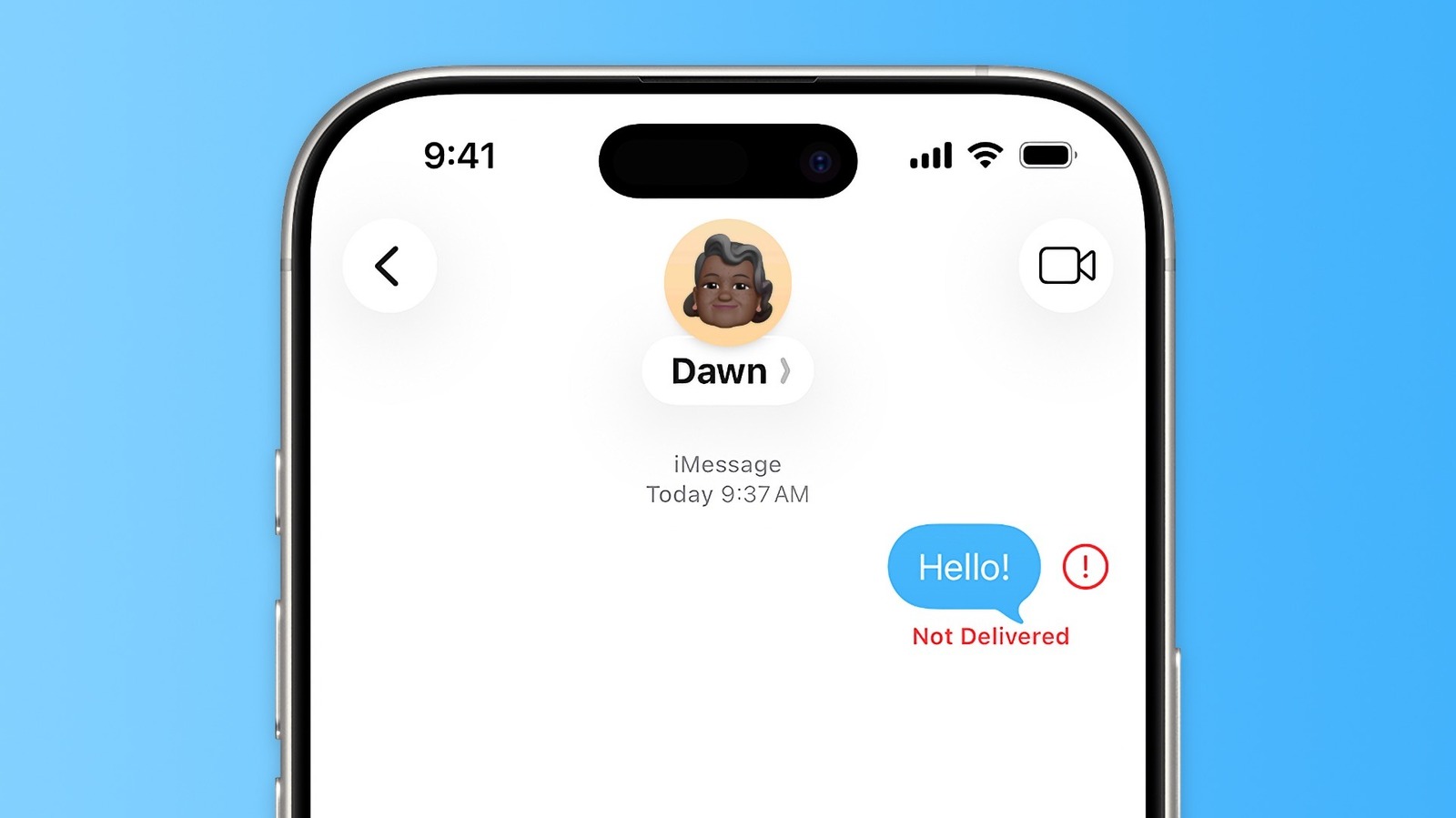
How to fix iMessage "Not Delivered" error on iPhones
Engadget
Read full post
iPhone users encountering the "Not Delivered" error in the Messages app can try simple fixes like resending the message, toggling airplane mode, or checking network connections. The app supports iMessage, RCS, and SMS protocols, which can affect message delivery depending on the recipient's device and connectivity.